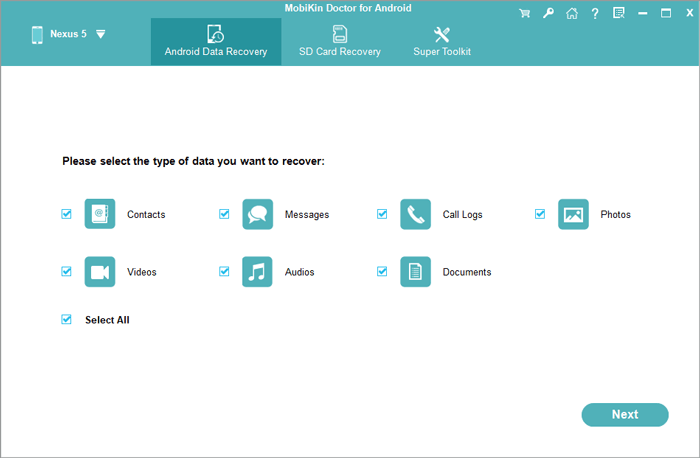
Have you ever accidentally deleted a precious photo from your smartphone, only to realize that it's gone forever? Or maybe you've experienced a phone crash or reset, resulting in the loss of your entire photo library? If so, you're not alone. Losing photos can be a devastating experience, especially if they hold sentimental value or are irreplaceable. But don't worry, there's hope. In this article, we'll explore the ways to recover deleted photos from your smartphone, and provide you with a step-by-step guide on how to do it.
Understanding How Photo Deletion Works
Before we dive into the recovery process, it's essential to understand how photo deletion works on your smartphone. When you delete a photo, it's not immediately erased from your device. Instead, the space occupied by the photo is marked as available for new data to be written over it. This means that the photo is still present on your device, but it's no longer accessible through your phone's gallery or file manager. However, if you act quickly, you can recover the deleted photo before it's overwritten by new data.
Why Acting Fast is Crucial
The key to successful photo recovery is to act fast. The more you use your phone after deleting a photo, the higher the chances of the deleted data being overwritten. This is because your phone is constantly writing new data, such as app updates, messages, and emails, which can overwrite the deleted photo. Therefore, it's essential to stop using your phone immediately after deleting a photo, and follow the recovery steps outlined in this article.
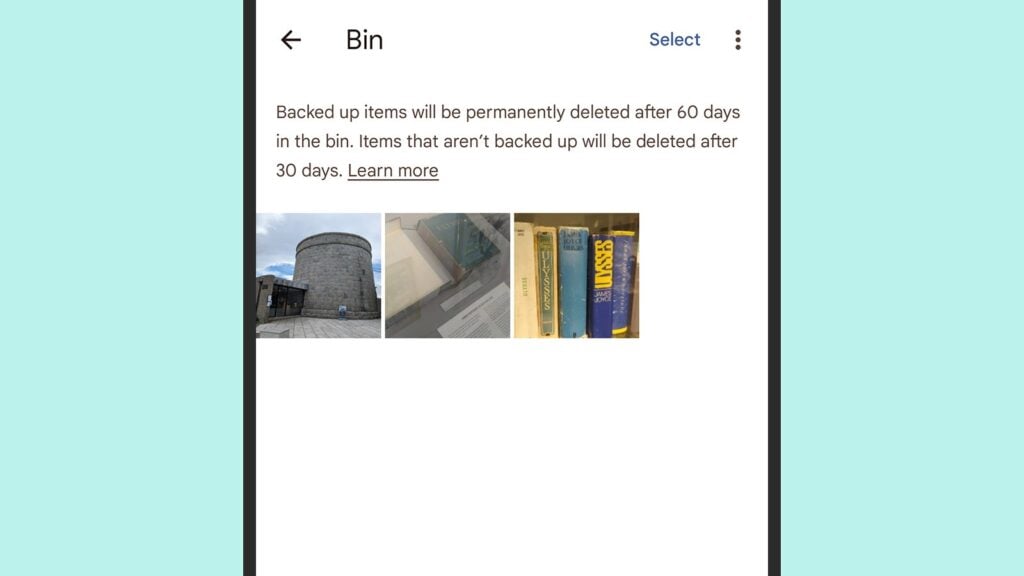
Method 1: Checking the Trash or Recently Deleted Folder
Some smartphones, like i Phones and Samsung devices, have a built-in feature that allows you to recover deleted photos from a trash or recently deleted folder. This folder stores deleted photos for a specified period, usually 30 days, before permanently deleting them. To check if your phone has this feature, follow these steps:
For i Phone Users
Go to the Photos app, and tap on "Albums" at the bottom. Scroll down and look for the "Recently Deleted" album. If you see the deleted photo in this album, tap on it, and then tap "Recover" to restore it to your photo library.
For Samsung Users
Open the Gallery app, and tap on the three-dot menu icon. Select "Settings," and then scroll down to the "Cloud Sync" or "Recycle Bin" option. If you see the deleted photo in the recycle bin, tap on it, and then tap "Restore" to recover it.
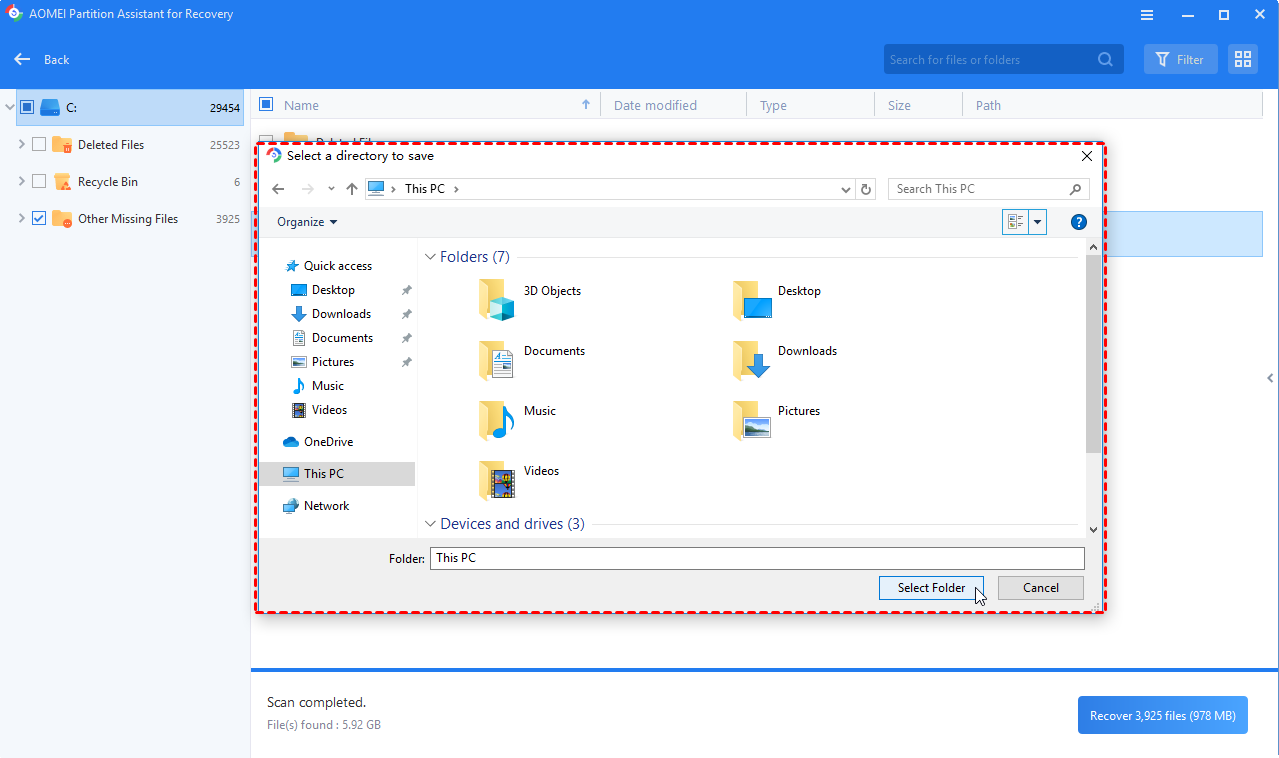
Method 2: Using a Third-Party Recovery App
If your phone doesn't have a built-in recovery feature, or if the deleted photo is not in the trash or recently deleted folder, you can use a third-party recovery app to retrieve it. There are many apps available for both Android and i OS devices, such as Disk Drill, Ease US, and Dr.Fone. These apps work by scanning your phone's storage for deleted data, and then allowing you to recover it.
How to Use a Recovery App
Download and install a recovery app from the app store, and then follow these steps:
For Android Devices
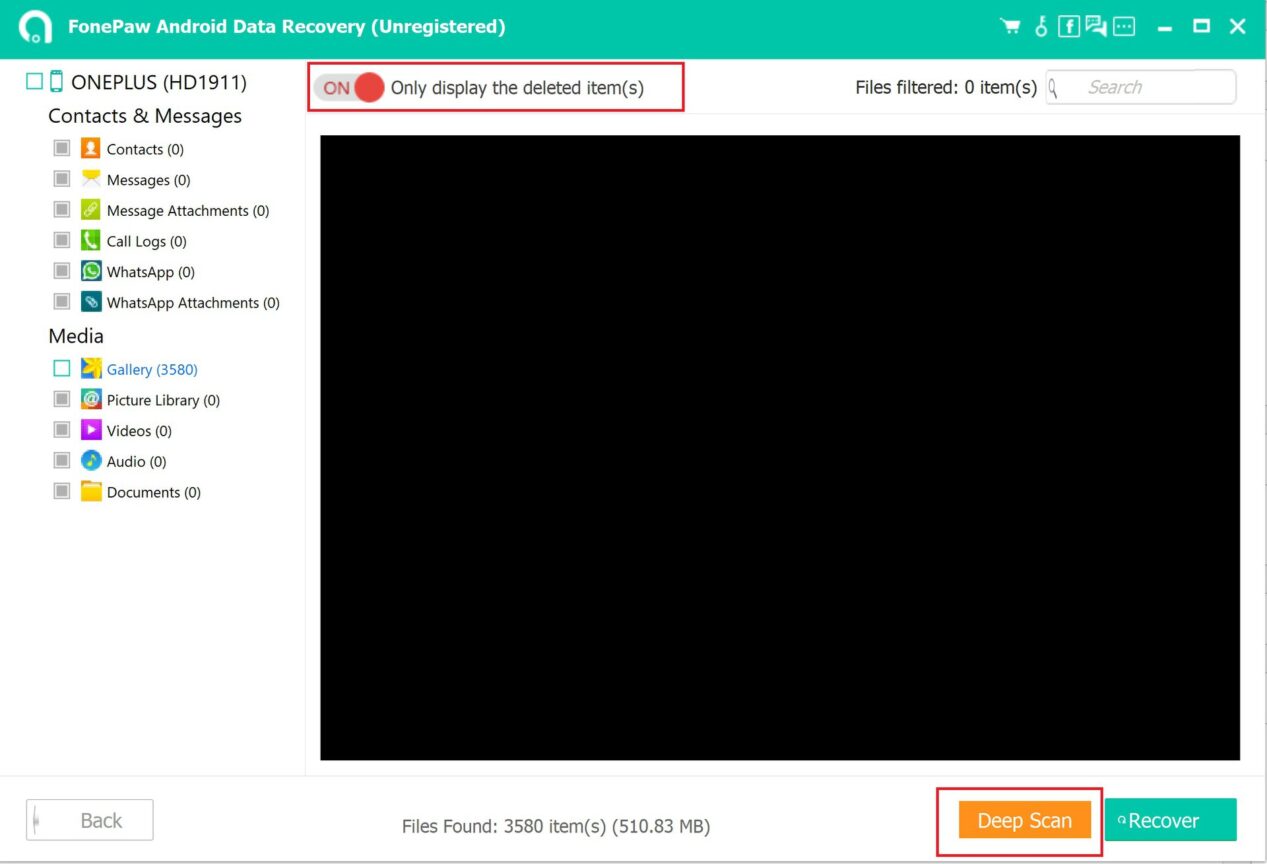
Launch the app, and grant it root access to your device. The app will then scan your phone's storage for deleted data. Once the scan is complete, select the deleted photo you want to recover, and then follow the app's instructions to save it to your device.
For i OS Devices
Launch the app, and connect your device to your computer. The app will then scan your device's storage for deleted data. Once the scan is complete, select the deleted photo you want to recover, and then follow the app's instructions to save it to your computer or device.
Method 3: Using a Computer and Recovery Software
If you're not comfortable using a recovery app on your phone, or if the app is unable to recover the deleted photo, you can use a computer and recovery software to retrieve it. This method involves connecting your phone to your computer, and using software like Recuva or Photo Rec to scan your phone's storage for deleted data.
How to Use a Computer and Recovery Software
Download and install the recovery software on your computer, and then follow these steps:
For Android Devices
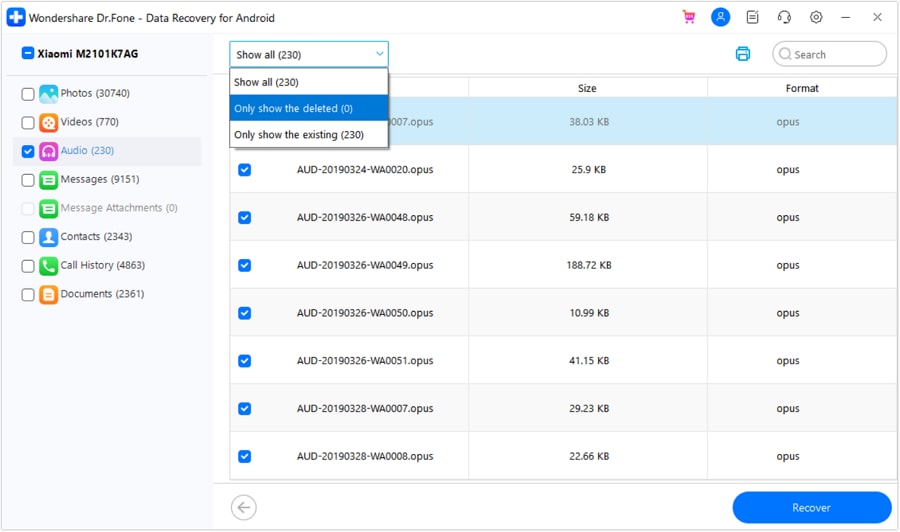
Connect your phone to your computer using a USB cable, and enable USB debugging on your device. The software will then scan your phone's storage for deleted data. Once the scan is complete, select the deleted photo you want to recover, and then follow the software's instructions to save it to your computer.
For i OS Devices
Connect your device to your computer, and launch the recovery software. The software will then scan your device's storage for deleted data. Once the scan is complete, select the deleted photo you want to recover, and then follow the software's instructions to save it to your computer.
Preventing Photo Loss in the Future
Losing photos can be a devastating experience, but there are steps you can take to prevent it from happening in the future. Here are some tips to help you keep your photos safe:
Regularly Back Up Your Photos
Make it a habit to regularly back up your photos to a cloud storage service like Google Photos, i Cloud, or Dropbox. This way, even if you accidentally delete a photo or lose your device, you can still access your photos from the cloud.
Use a Photo Management App
Consider using a photo management app like Google Photos or Amazon Prime Photos to store and organize your photos. These apps often have built-in features like automatic backup and deletion protection, which can help prevent photo loss.
Be Cautious When Deleting Photos
Finally, be cautious when deleting photos from your device. Make sure you're deleting the correct photo, and consider moving it to a trash or recently deleted folder instead of permanently deleting it. This way, you can recover the photo if you change your mind or realize you've made a mistake.
In conclusion, recovering deleted photos from your smartphone is possible, but it requires quick action and the right tools. By understanding how photo deletion works, acting fast, and using the methods outlined in this article, you can recover your deleted photos and prevent photo loss in the future. Remember to always back up your photos, use a photo management app, and be cautious when deleting photos to keep your memories safe.